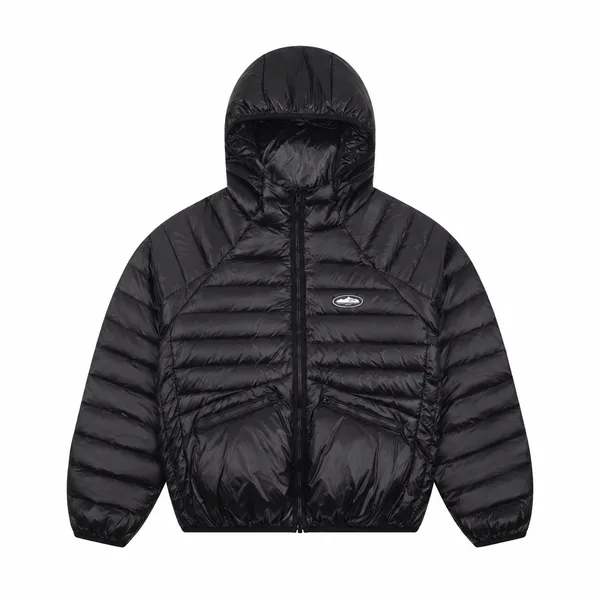
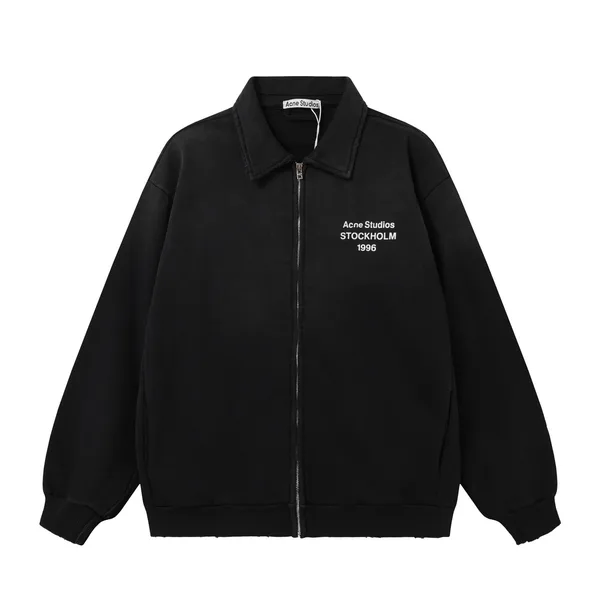
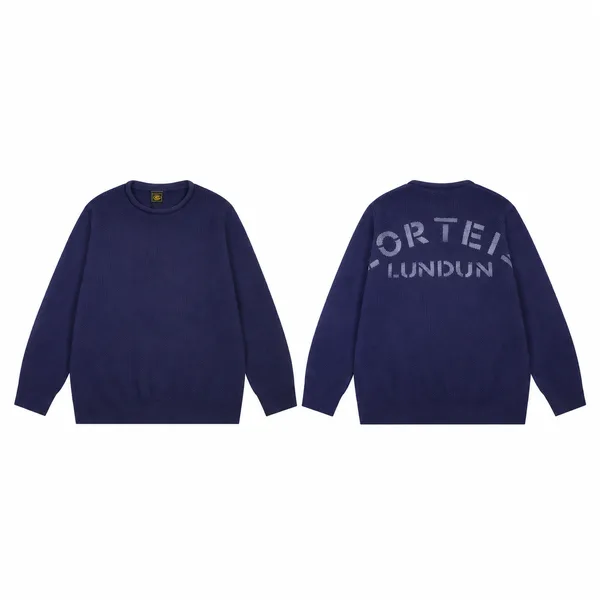
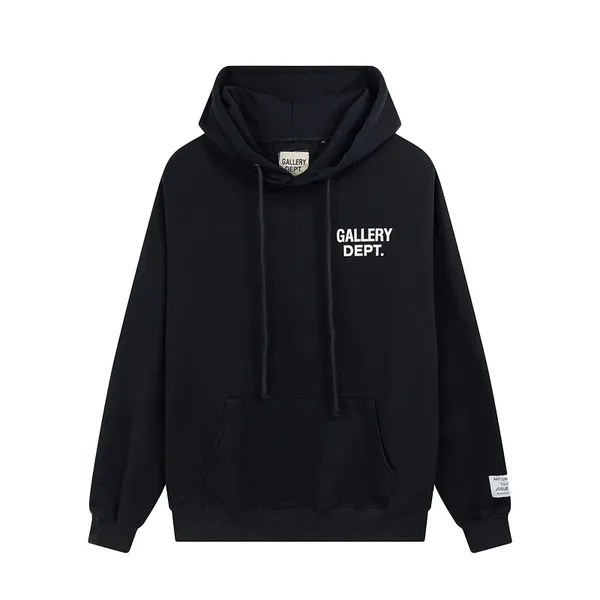
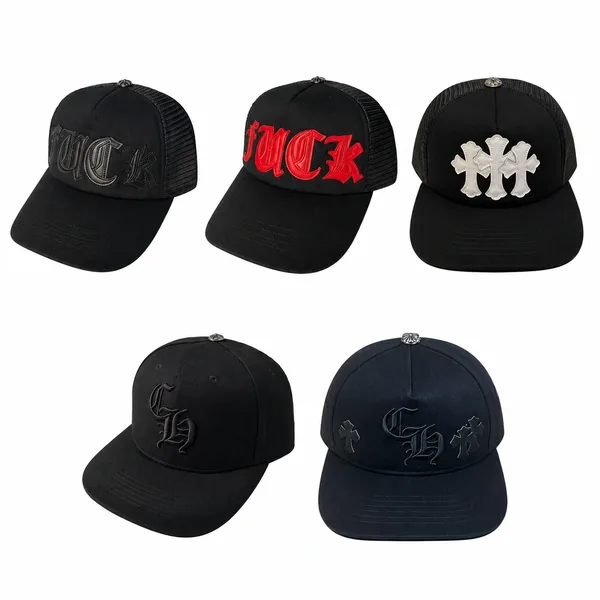
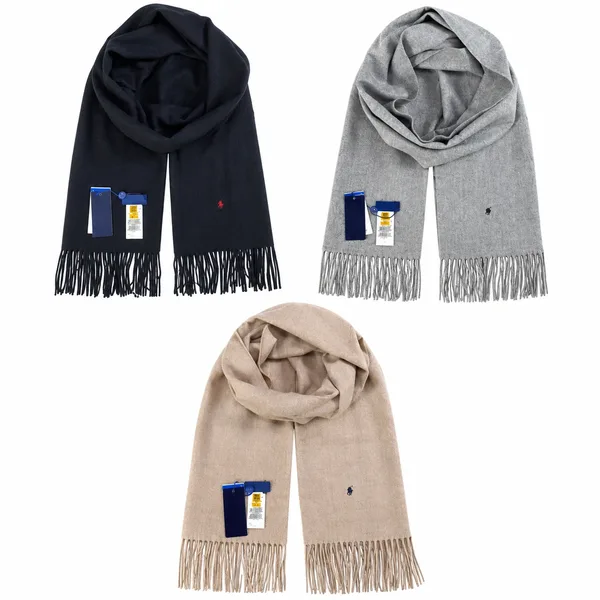
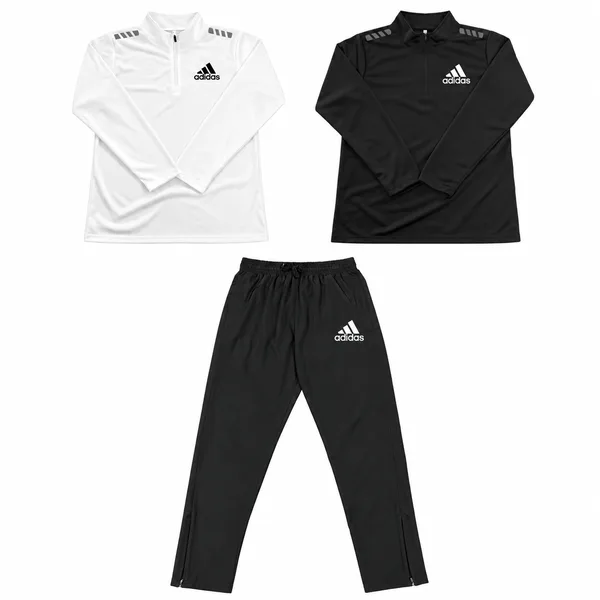
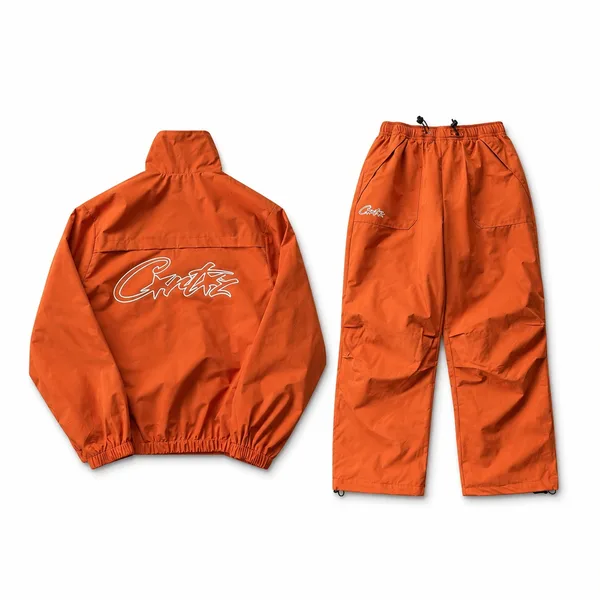
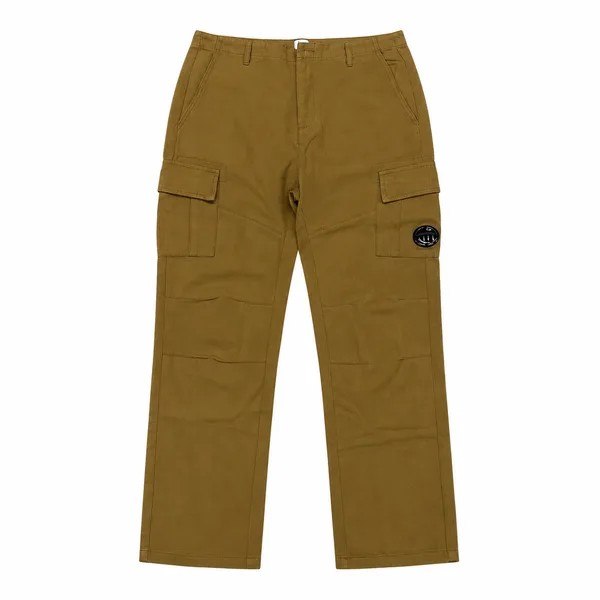
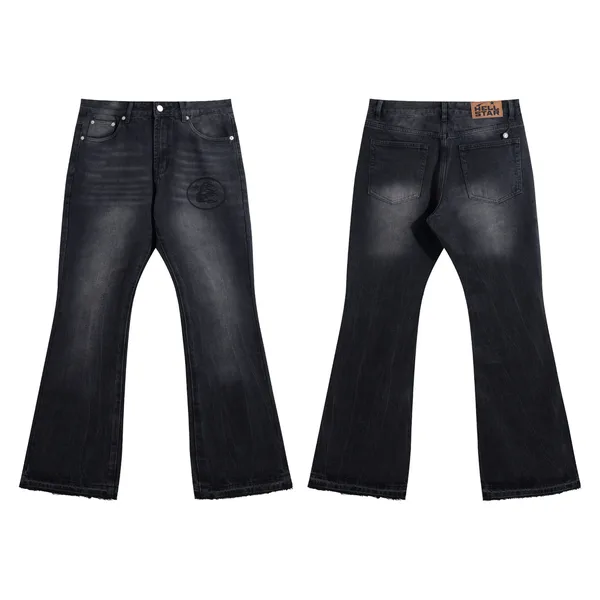
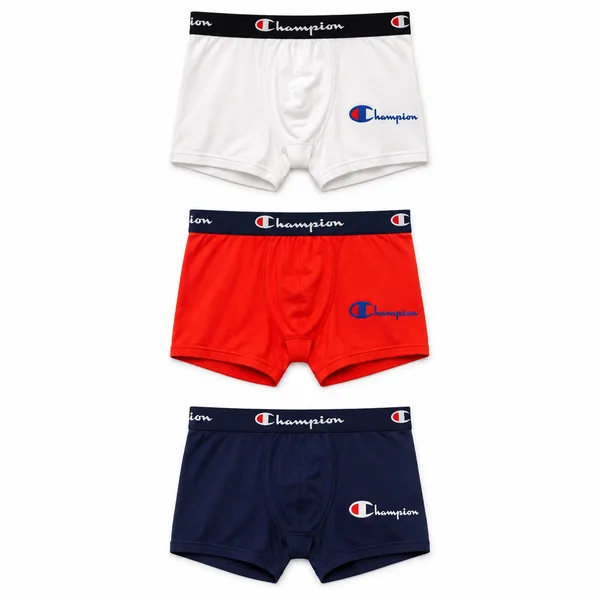
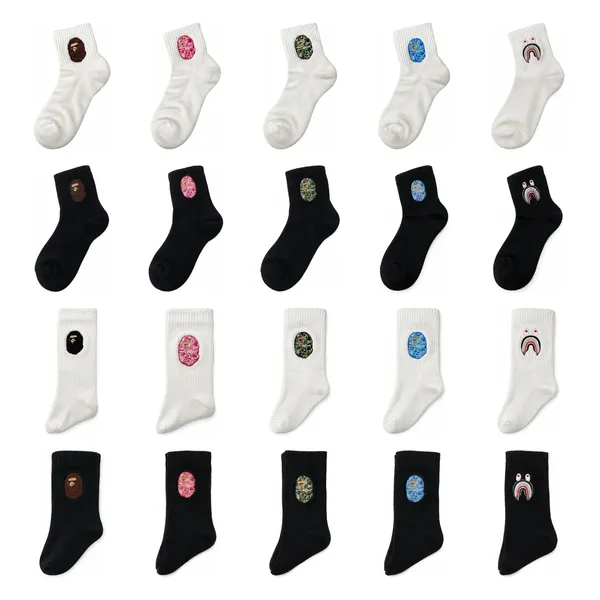
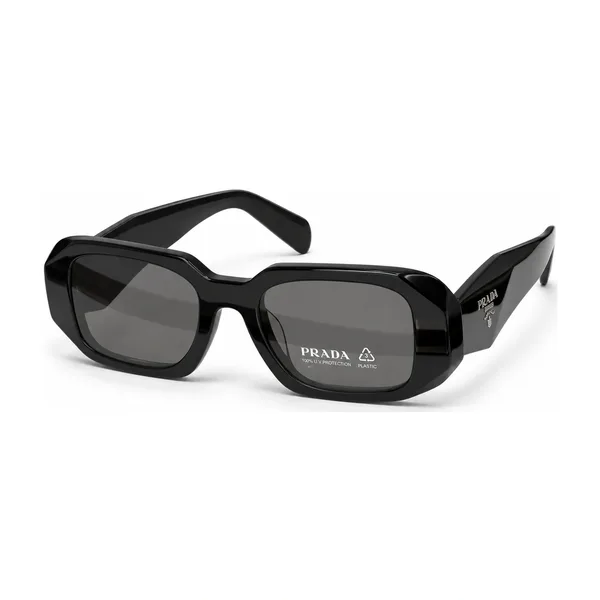
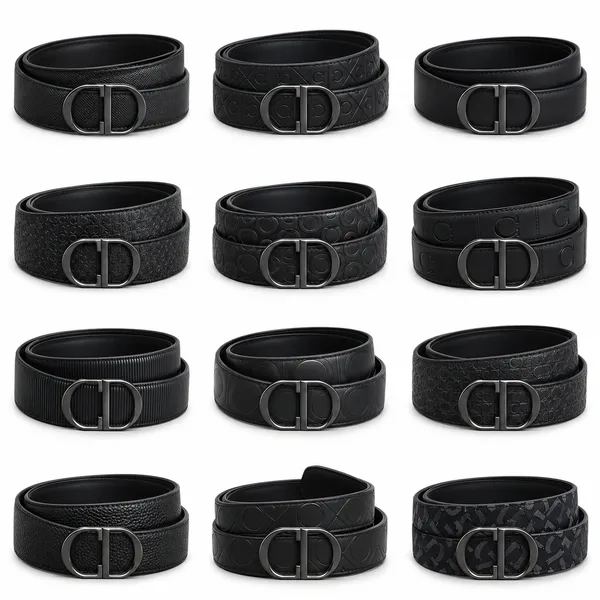
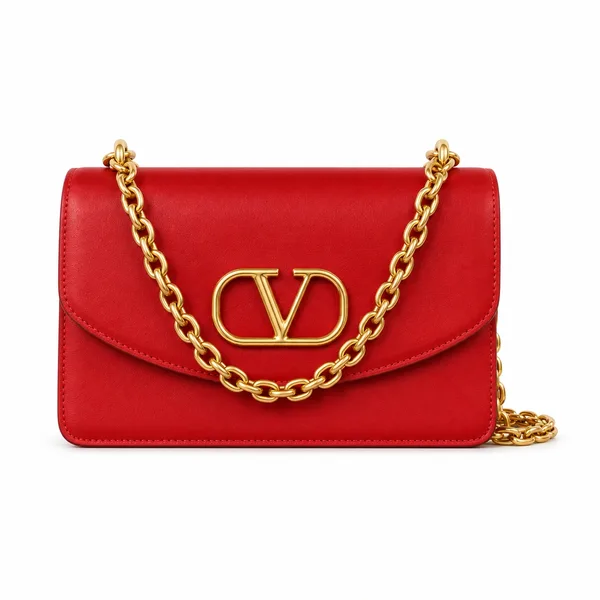
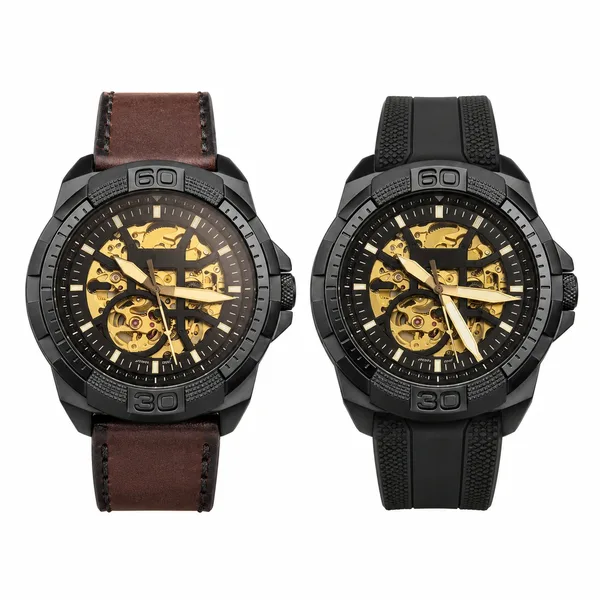
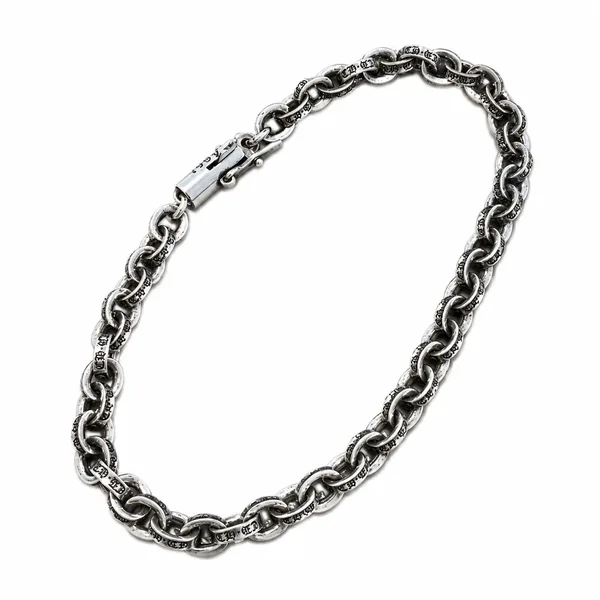
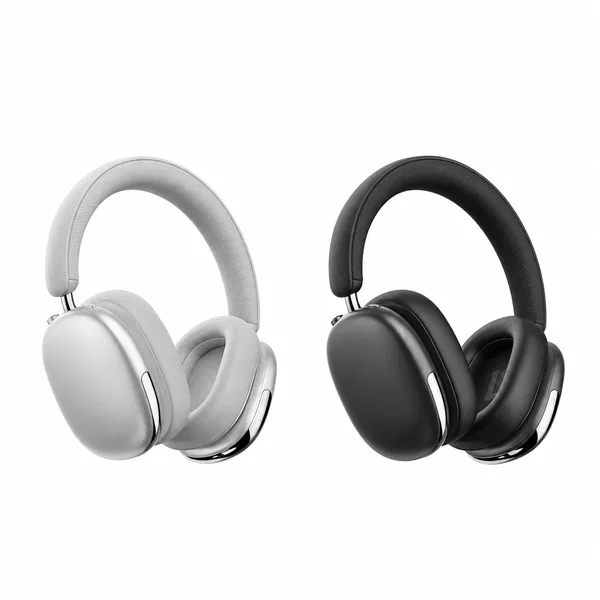
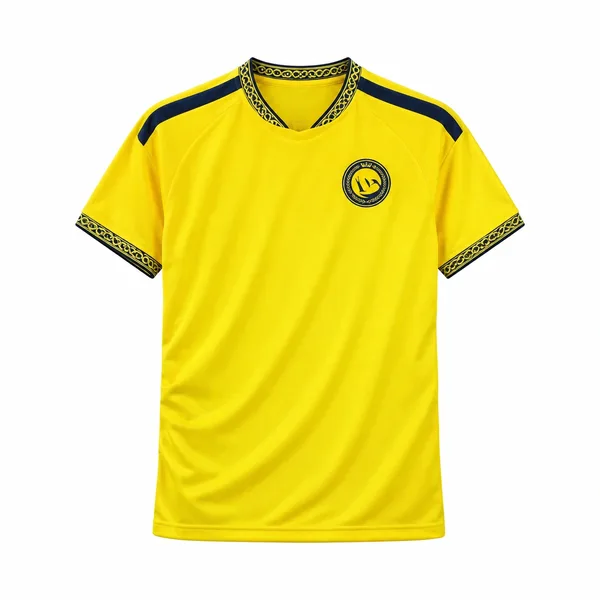
More specific categories. More styles in view. More detail before you choose.
01
A place for every kind of find
Finding a sweater should not mean scrolling through every kind of top. Knitwear, hoodies, jackets, sportswear sets and casual sets each have their own category, alongside shoes and everyday accessories. Head straight to the pieces you have in mind, or use search to narrow your choices by brand, colour or style.
02
See the styles together
Our combined main images bring a product's available styles and colours into one view. Compare the options while browsing the collection, without opening every listing just to see what is inside. Once something catches your eye, open its page for individual photos, product details and available size guidance.
03
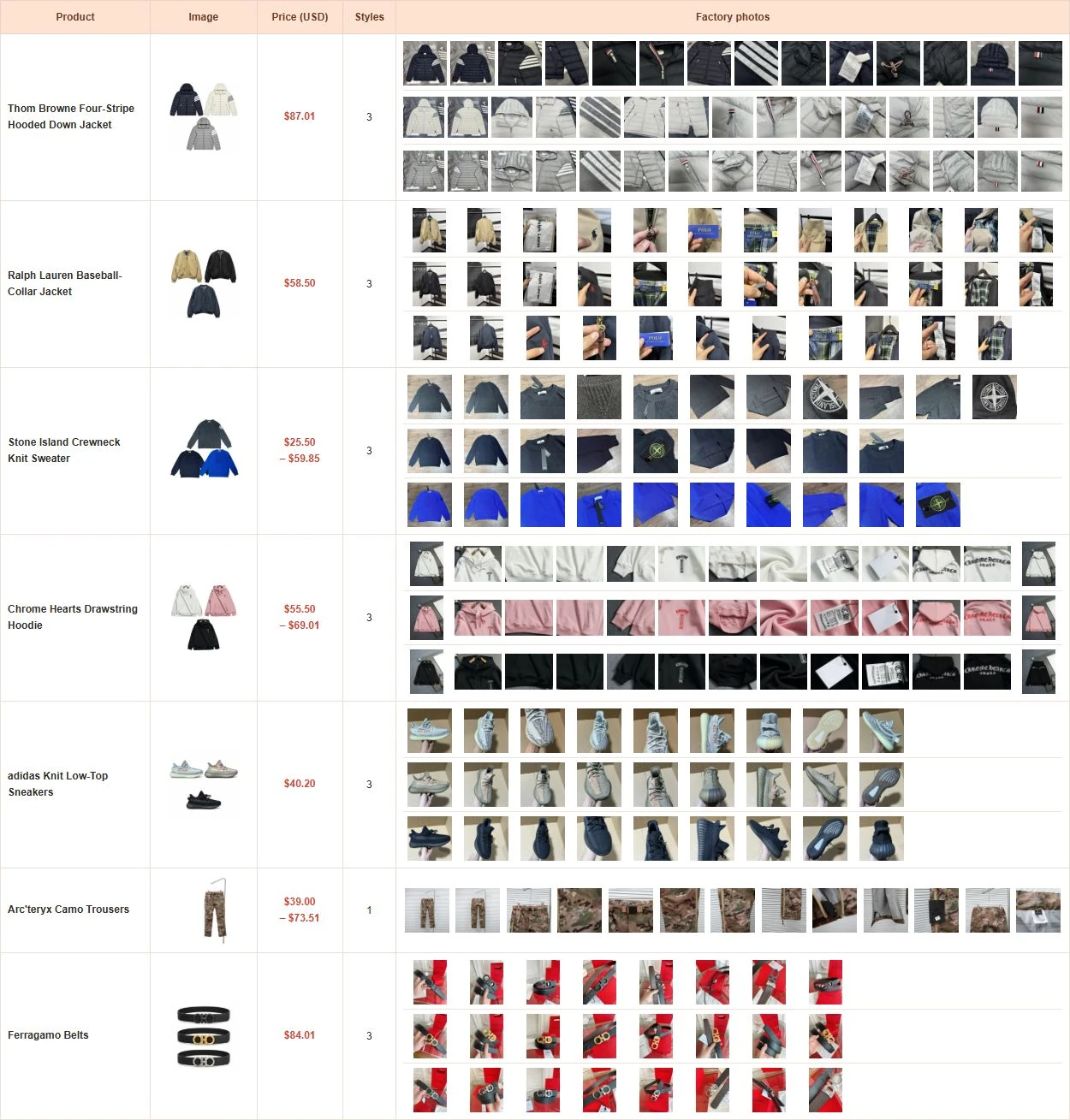
Get closer with factory photos
Selected popular products include real photos from our partner factories. Alongside the clean main image, these show the shape, stitching, fastenings and other details from different angles. Browse the photos for the style you like before continuing to KakoBuy to choose your options and place an order.
What is KakoBuy?
KakoBuy helps international shoppers buy from Chinese sellers and send their purchases overseas. You choose the items; KakoBuy handles the purchasing, receives the sellers' deliveries at its warehouse, photographs the goods and arranges the international parcel you submit.
One account, from purchase to delivery
Its shopping service connects you with Chinese marketplaces such as Taobao, Tmall and 1688. Depending on the source, a product link can open a listing or require a manual purchase form. Through this spreadsheet, you can start with a selected product and follow its matching KakoBuy link, rather than searching Chinese storefronts from scratch.
A warehouse stage before the journey abroad
Buying an item does not send it straight to your home. It first travels from the seller to KakoBuy's warehouse in China. You can follow its arrival and review the available QC photos in your account before choosing which stored items to send. This gives you a useful checkpoint for the selected colour, size label, quantity and visible condition.
Bring different purchases into one parcel
A pair of shoes and a jacket bought from different sellers can arrive separately, then be selected together for an international shipment. You decide when to submit the ready items and which available route and packing services suit your order. Combining purchases can reduce repeated parcel charges, although the total still depends on the packed weight, dimensions and route.
Plan for two payments
The first payment covers your goods and any delivery charge from the seller to the Chinese warehouse. International freight is paid when you submit the parcel, with any selected services and applicable charges shown at that stage. Our USD prices help you compare products; they are not a delivered-to-your-door total. Use KakoBuy's shipping estimator before ordering to plan the rest of your budget.
How to shop with KakoBuy
01
Find your item and match the exact option
Choose a category or search this site by product, brand, colour or style. Our combined main image shows the options together; open the product page for individual photos, product details and available size guidance.
Decide which piece you want before leaving the page. A listing may contain a jacket, trousers and a complete set as separate options. The combined image shows your choices, not the contents of one order, and image positions are not SKU numbers.
02
Choose the options on KakoBuy
Click the product's KakoBuy button and sign in. Match the option image or number, select the size and quantity, then use Add to Cart or Buy Now. Check the price for that exact selection rather than assuming the lowest price applies to every option.
If KakoBuy opens a manual purchase form, enter the requested product and option information from the listing before continuing. For items sold with a minimum quantity, check that requirement before paying.
03
Pay for the goods and follow the purchase
Review the goods total and domestic postage, then complete the purchase payment. KakoBuy reviews the order, buys from the seller and waits for delivery to its warehouse. You can follow the purchase in the orders area of your account.
Need to clarify a colour, size or other requirement? The official guide directs you to Member Center → My Orders → Message to contact the purchaser about that order. International shipping is arranged after the warehouse stage.
04
Open the warehouse record and review QC
After arrival and inspection, open My Account → Orders / Warehouse and find the item. Compare the warehouse photos with your chosen option: look at the colour, size label, quantity and visible details such as zips, stitching or prints.
If something appears wrong or a detail needs checking, use the order's message channel before submitting the parcel. Factory photos on our product pages help you choose beforehand; warehouse QC photos show what was received for your particular order. They are a visual check, not a wear or performance test.
05
Select stored items and pay for international shipping
Go to User Center → My Warehouse, select the ready items you want together and submit a parcel. Enter the recipient's full address, country, postcode and phone number, then compare the routes offered for those goods and that destination.
Choose the packing services you need, such as removing unnecessary outer packaging or adding reinforcement where offered. Review the freight estimate, selected services and any other listed charges before making this second payment. KakoBuy then prepares the shipment; packing changes can affect the final weight and charge.
06
Track the parcel and confirm receipt
Once dispatched, open My Account → Package to follow the shipment. Keep the parcel number handy when checking tracking or asking about delivery; it identifies the international shipment that may contain several purchase orders.
When the parcel arrives, check its contents and condition, then use Confirm receipt on the parcel page. If an item is missing or damaged, keep photos of the goods, packaging and shipping label and contact support with the relevant order and parcel details.
How can I find a particular item without browsing every page?
Choose a category first, or use the search box with a brand, product name, colour or style. Try a short phrase such as “black hoodie” rather than a long description. If you get few results, remove one word and compare the matching cover images.
Where do I place my order after finding something I like?
Open the product page and select “Buy on KakoBuy” to visit the matching listing. Choose your option, size and quantity there, then confirm the price before paying. Checkout and order tracking take place in your KakoBuy account; browsing this spreadsheet does not place an order.
What if I am between sizes or there is no size recommendation?
Use any size recommendation on the product page as a starting point. When measurements are available, compare them with a similar garment that fits you well, allowing room for your preferred layers. If the information is missing or you are still unsure, ask KakoBuy to confirm the seller’s measurements before ordering.
What should I do if a product link no longer works?
Return to the same category or search for the product name to look for another option. A seller may remove a listing or sell out of a particular style while its photos are still visible here. Check that your chosen option is available on KakoBuy before paying.